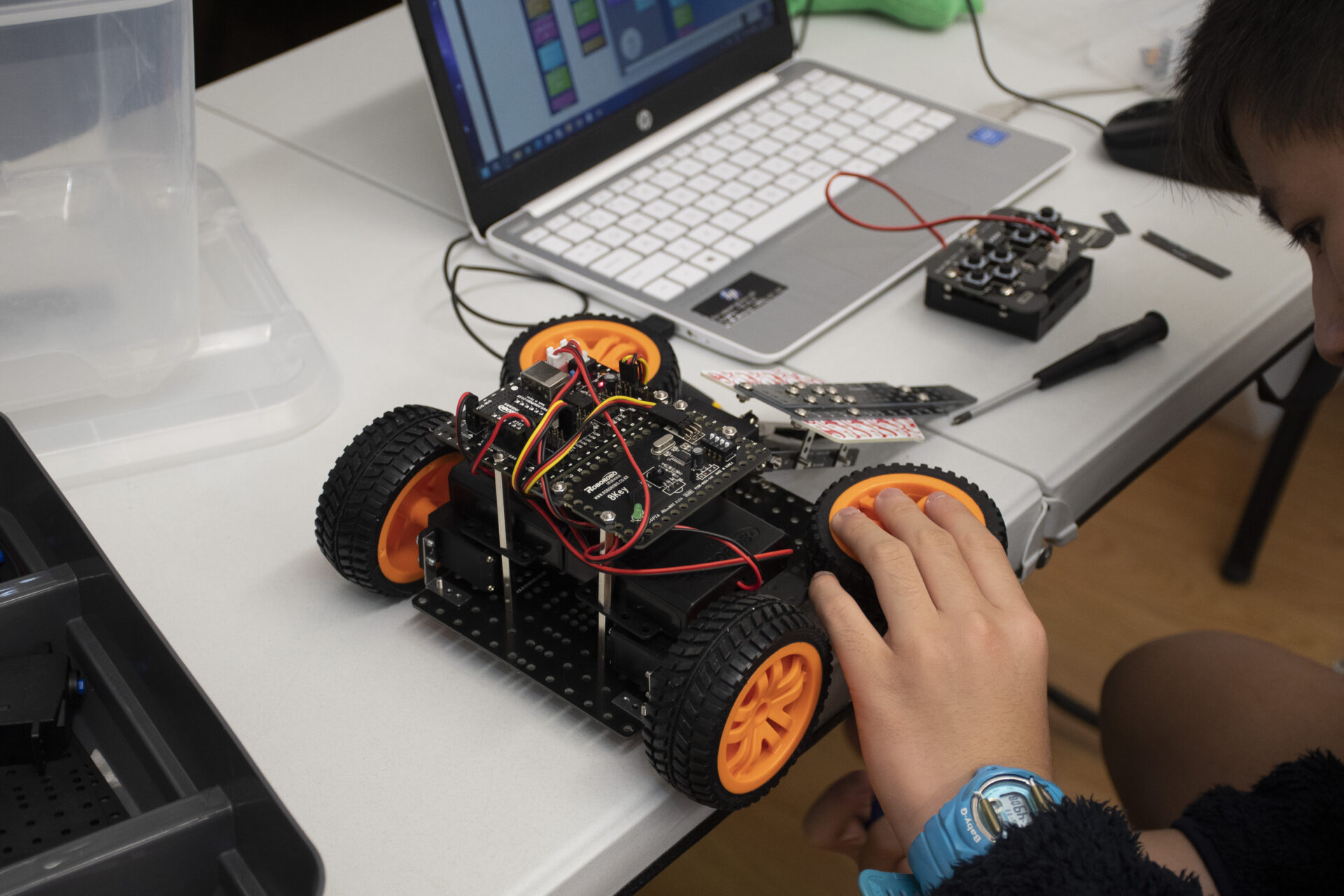
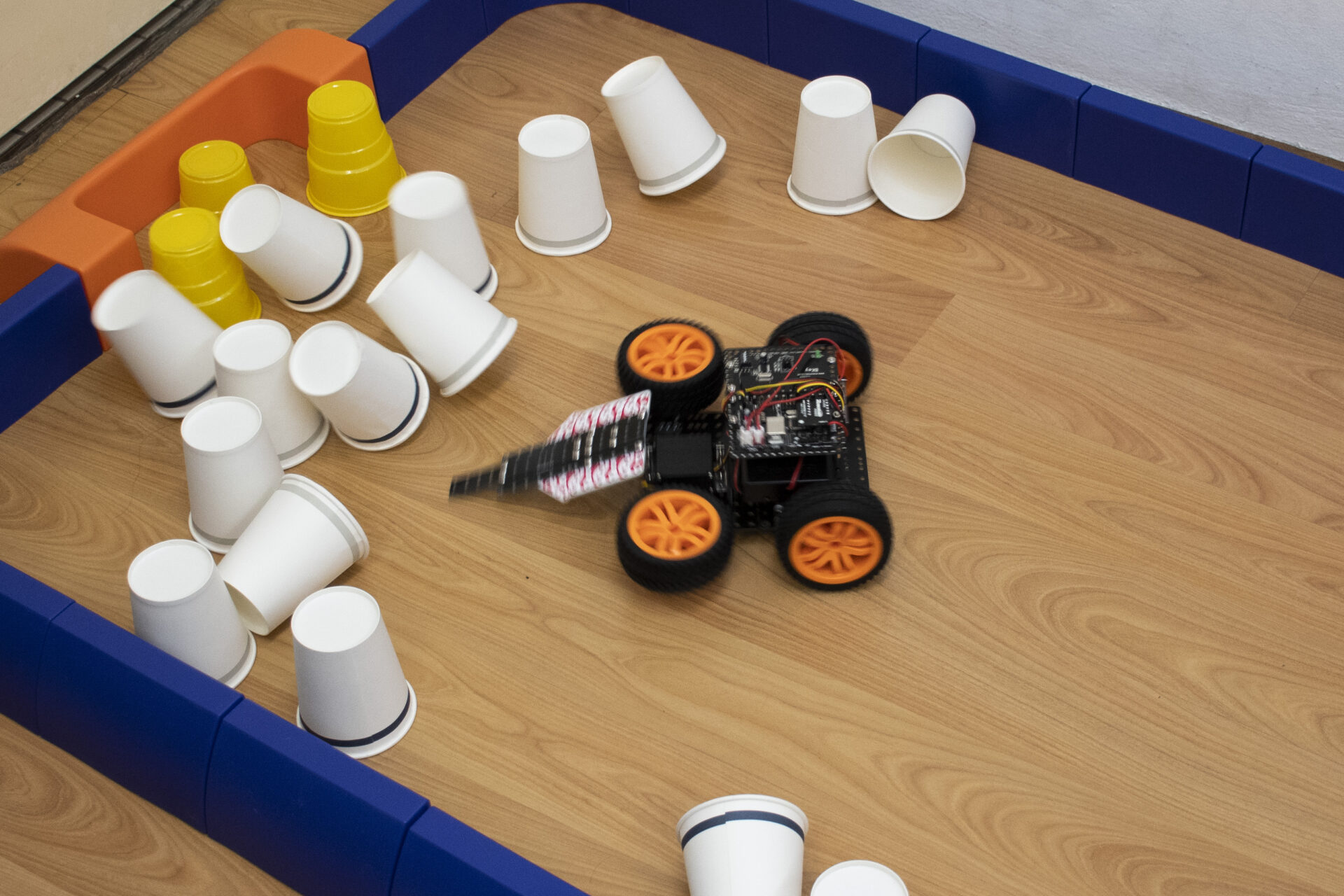
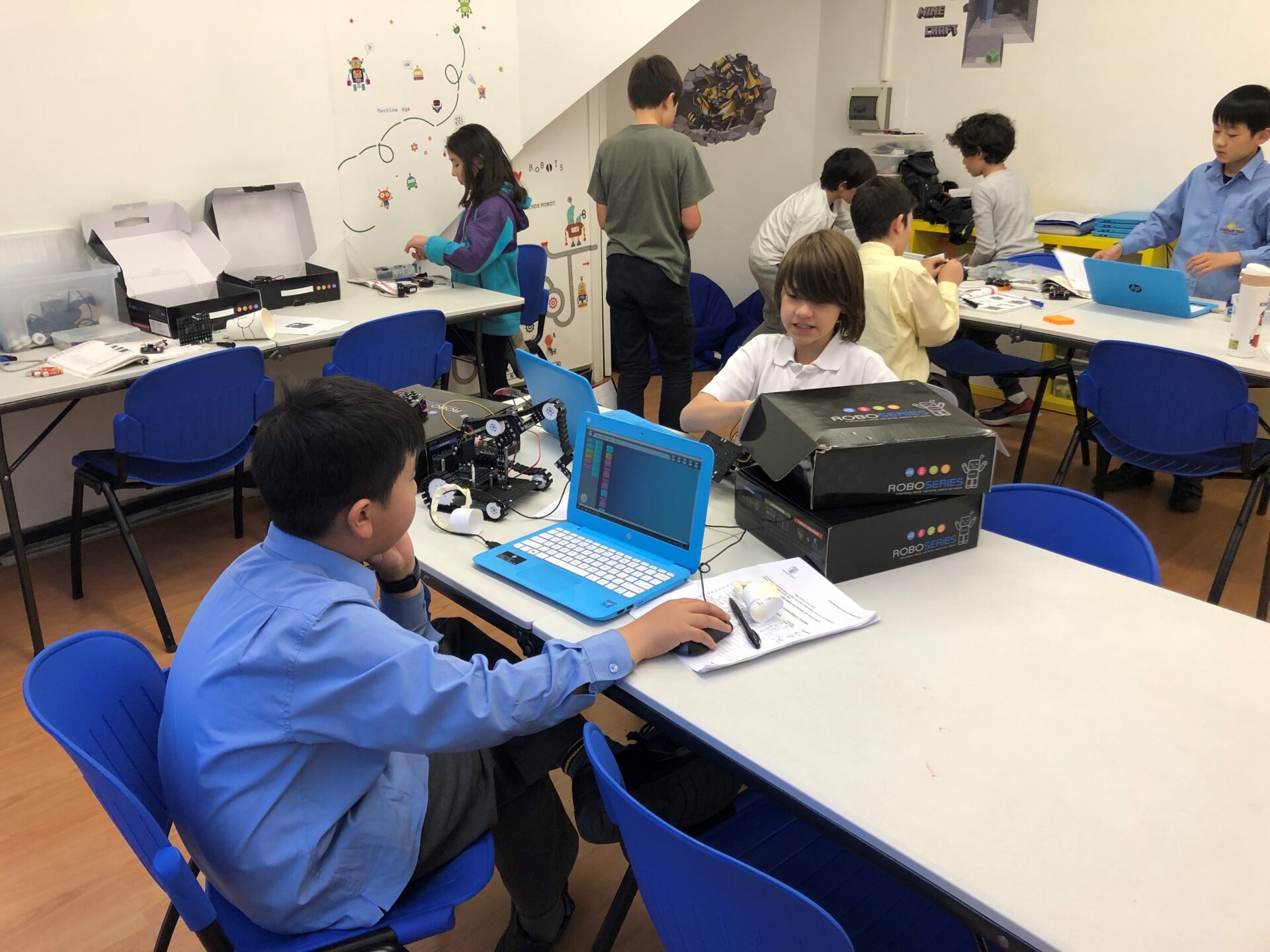
Join our AI robotics and coding course, AI Robot Engineers, for an exciting blend of Artificial Intelligence, Coding, Maths, Robotics, and Physics. Designed for students in grades Y3–Y8, with Y2 students eligible after a trial, this course offers an engaging journey into designing, building, and programming intelligent robots.
Robot RRP $330 is provided for in-class use. Students take robots home starting from the second term to complete assignments and test their robotics projects.
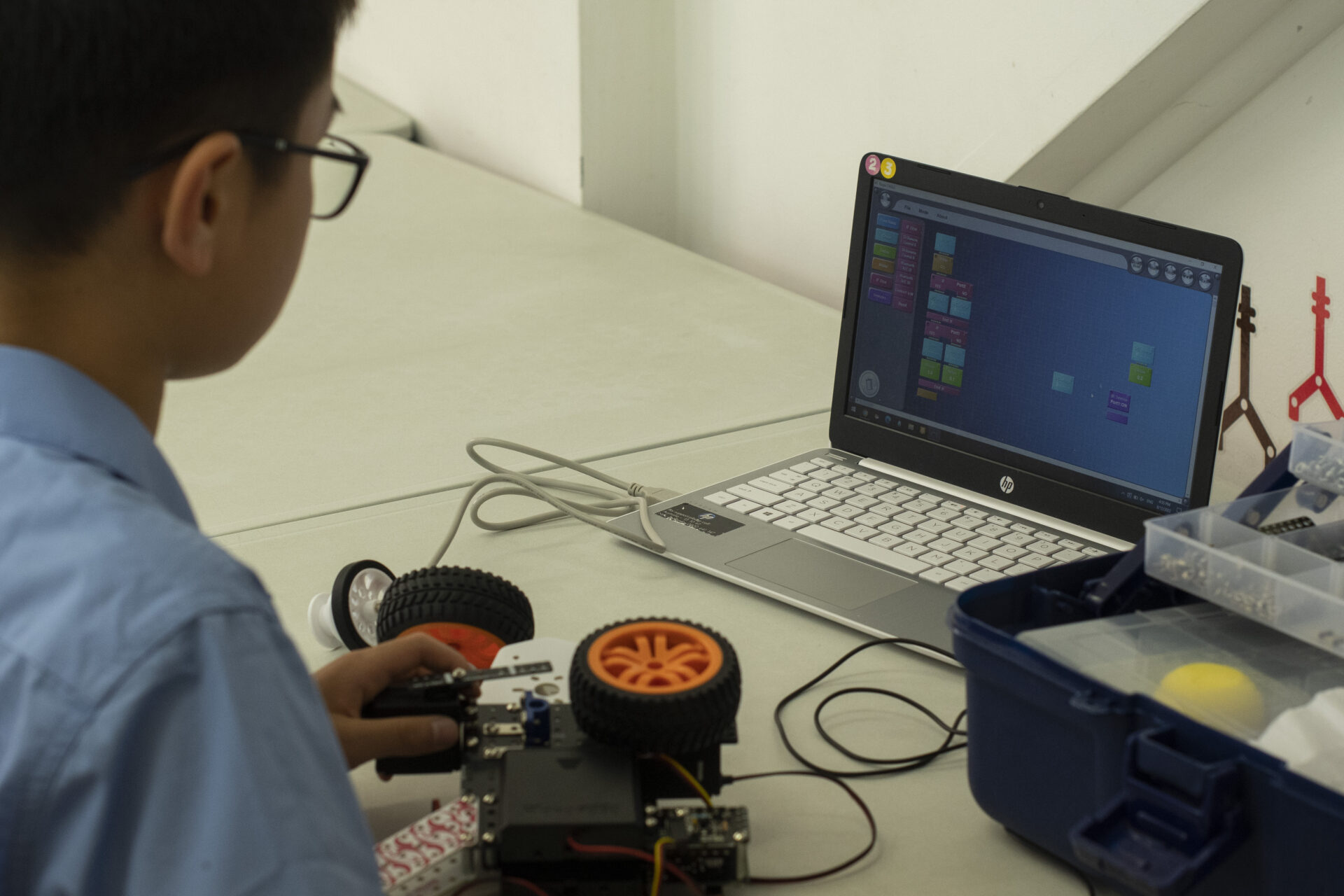
This exciting, future-focused course helps students develop coding skills, engineering knowledge, electronics understanding, and a strong foundation in physics, particularly in circuits, sensors, motors, and AI-driven robotics systems. Students also strengthen their troubleshooting abilities, logical thinking, and mathematical problem-solving through hands-on, project-based learning. Throughout the course, they build and program a wide range of robots while exploring how intelligent systems respond to commands, sensors, and the surrounding environment.
AI Robot Engineers lays a strong foundation for future learning in Python, JavaScript, C# (Unity), and Artificial Intelligence. Crafted by experienced STEAM robotics and coding educators from a leading robotics educational institution, the program prepares students for Robotics Competitions, where winners may have the opportunity to showcase their projects at prestigious venues such as The Australian Museum.
Students also benefit from valuable networking opportunities, engaging directly with engineers, rocketry team leaders, and astrophysicist scientists during selected classes. This exposure brings real-world STEM pathways into the classroom and inspires students to think bigger about their future.
Experience the course over 12+ terms, with a robotic kit and upgrades included in the course price. Unleash your child’s creativity and curiosity, and let them explore the future through robotics, coding, and AI.
Why Choose STEMLOOK
Individualized Approach: Our instructors offer tailored support to each student, maximizing their learning potential.
Improved Academic Performance: STEMLOOK classes follow school coding curriculum, boosting understanding in math and science.
Robotics Competitions: Participate in exciting robotics competitions to put coding skills to the test and showcase talents.
Australian MuseumDisplay: Winners earn the honor of showcasing their robots at the Australian Museum.
Project-Based Learning: Foster creativity, problem-solving, and teamwork through engaging projects.
Take Robotics Home: Practice coding skills beyond class with our take-home robot option.*
Online Student Portal: Access educational resources, including theory, tasks, and videos, for reinforced learning at home.
*Available from the second term, following a safety assessment by our teachers to ensure the well-being of our students.
Learning Materials
Well organised lessons
Theory of operation explained
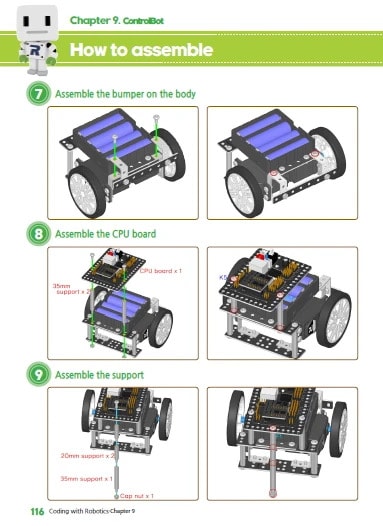
Clear instructions on assembling basic blocks
Robot programming examples
Friendly Coding Environment
As your child advances, our teachers will provide increasingly challenging projects and assignments to explore the practical applications of robotics and prepare for robotics competitions. All programming tasks are completed in a user-friendly visual programming environment compatible with Windows laptops. Get ready to take your coding skills to the next level and unleash your creativity!
Frequently Asked Questions
Do you offer any trial classes or assessments?
Yes, we offer trial classes during which we can assess student’s level and provide a feedback afterward.
To book a trial, simply email or text usthe child’s full name and date of birth, along with the parent or guardian’s full name, phone number, and email address. If you have a specific course in mind, please provide the course name, date, and time. If not, we’ll recommend a suitable class and available day/time.
There’s a standard $37 fee for trials.
Can students join mid-term or mid-year?
Yes, students are more than welcome to join mid-term or mid-year.
All of our robotics courses allow students to progress at their own pace, starting with an introduction and safety overview in their first class.
For coding-only courses, students will receive support from our educators to help them catch up with the group.
Do students need to bring their own laptops or robots?
We recommend bringing your own laptop for class. It helps save time by storing your work and logging in quickly. If you can’t bring one, don’t worry! You can rent a laptop from us.
For Minecraft camps, laptops or iPads are suitable.
For robotics, a Windows 10 or later laptop is required. The robot is provided for in-class use, and students can begin taking it home starting from their second term. Once taken home, the robot becomes the property of the student, but it needs to be brought back to class every week as it is required for class activities.
As for coding-only courses, any laptop capable of running Windows 10 or later and Macs 10.10 (Yosemite) or later will work. Please note, only Unity course students require a powerful laptop.
Laptop hire for the duration of school term or camp costs $15.
How are your classes structured?
Our classes run for 9 weeks, with each session lasting 1 hour. At the start, we quickly check any homework, especially for online classes where we may need 2-5 minutes to get everyone set up and connected for the live session. Then, we dive into the lesson, discussing theory and practicing together. After class, our teachers are happy to share feedback.
What is your approach to homework and assignments?
For coding-only courses, students usually have a small assignment to complete before the next class, which they can find in their student portal. If your child can’t finish an assignment for any reason, they can simply reply ‘done’ through their portal to access the next Live Tutoring session.
For robotics students from school Year 2 and up, there are coding tasks and assignments to do at home, but they’re not mandatory. Completing these assignments helps students progress faster.
How do I track my child’s progress?
You can track your child’s progress through the student portal. Simply log in and check their progress on the required course.
Are there any discounts, promotions, or options to use creative/active kids vouchers?
We always run an early bird promotion for our current students and occasional discounts for holidays like Easter, Halloween, or Christmas. Don’t miss out – be sure to sign up for our newsletter to stay informed!
What happens if my child misses a class?
If your child is going to miss a class, please notify us before the scheduled class time by email or text. We offer makeup classes based on availability and the reason for the absence.
For coding-only courses, students can access missed lesson content for self-study in student portal, and they can submit any questions to their Educator, who will address them in the next class.
Can students participate in competitions or exhibitions?
Absolutely! We host an annual robotics competition for our students, offering numerous prizes and opportunities. Winners have the honor of showcasing their robots at the Australian Museum.
Prize categories include:
– Free term class or camp enrollments
– Certificates from judges
– Minecraft/ROBLOX official merchandise
– Gift cards
– Student robot display at the Australian Museum
We encourage all students to participate and showcase their skills!
How do you integrate coding education with school curriculum?
At STEMLOOK, we understand the importance of aligning coding education with the school curriculum to enhance your child’s learning experience. Our approach involves integrating coding concepts into real-world scenarios, ensuring relevance to what students are learning in school.
We achieve this integration by structuring our coding courses to complement key concepts taught in subjects like math and science. Through hands-on projects and activities, students not only develop coding skills but also reinforce their understanding of core academic subjects.
By integrating coding education with the school curriculum, we aim to provide a comprehensive learning experience that fosters creativity, critical thinking, and academic success.
How do I enroll my child in your classes?
Enrolling your child in our classes is easy! Simply visit our website, select the preferred course, add it to your cart, and proceed to checkout.
If you have any questions or need assistance, feel free to reach out to us. We’re here to help!
What should I do in case of a technical failure during a STEMLOOK tutoring session?
If you encounter a technical failure during a STEMLOOK tutoring session, please follow these steps:
Notify STEMLOOK Immediately: Inform us about the issue as soon as it arises. You can do this by texting us with details of the problem along with the student’s full name. Chatswood – 0481 449 966. Castle Hill – 0402 476 001. Burwood – 0402 476 001. For all other locations – 0402 476 001.
Stay in Communication: Remain available for communication so we can work together to address the problem promptly.
Assistance from STEMLOOK: Our team will assess the situation and take necessary steps to resolve the technical issue. This may involve troubleshooting with you in real-time or rescheduling the tutoring session if needed.
Resolution: Depending on the severity of the technical failure, we will either rectify the issue during the session or offer alternative solutions, such as rescheduling the session or providing additional support.
Feedback: After the issue has been resolved, we appreciate any feedback you can provide regarding the experience to help us improve our services and prevent future technical issues.
Remember that STEMLOOK is committed to providing tutoring sessions with acceptable care, skill, and technical knowledge. Please contact us to discuss further if you have any concerns.